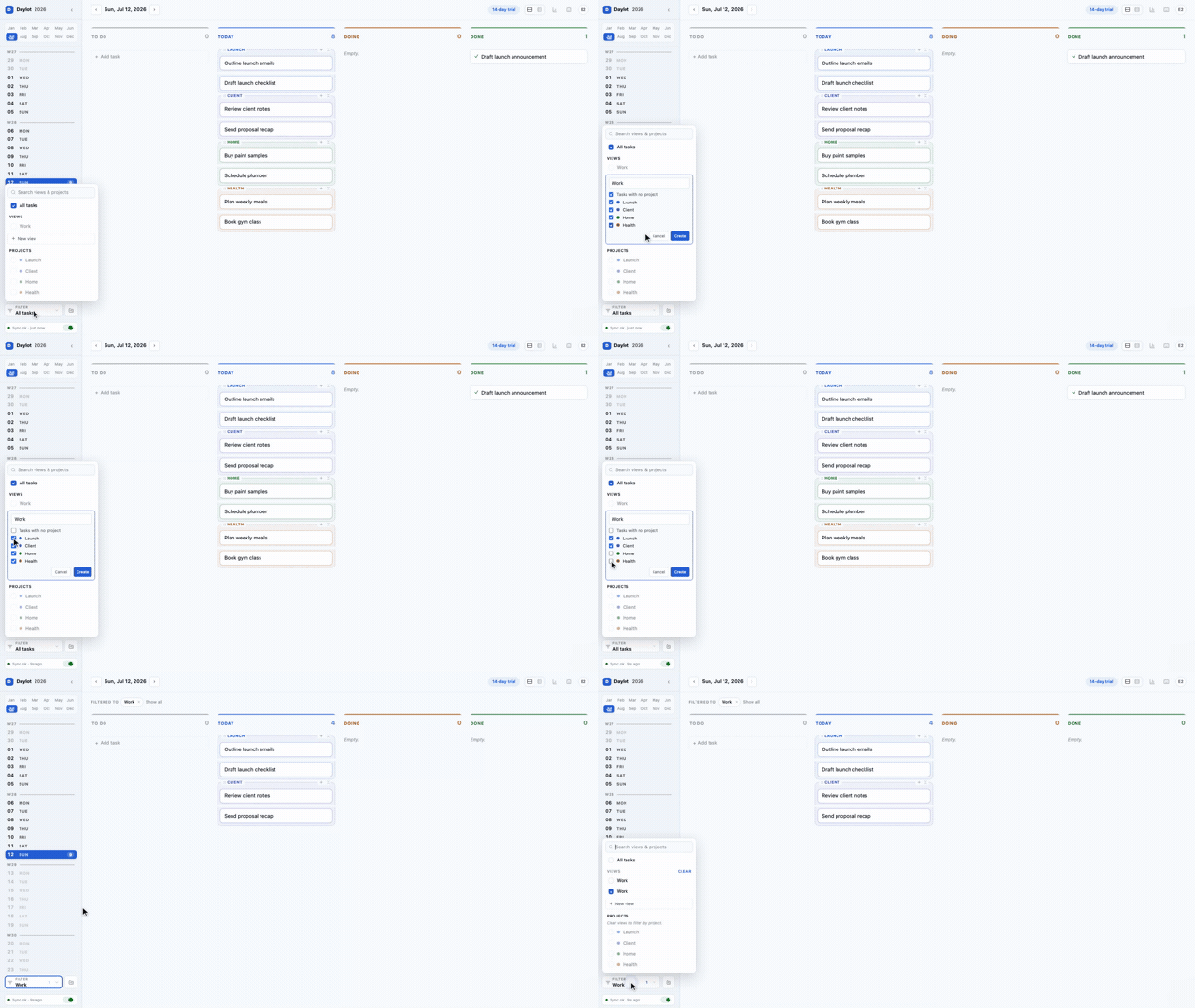
Create a view
A view groups the projects you want to see together.
The Daylot guide
Set up the structure once. Then run each day from the same simple board.
How it works
A view groups the projects you want to see together.
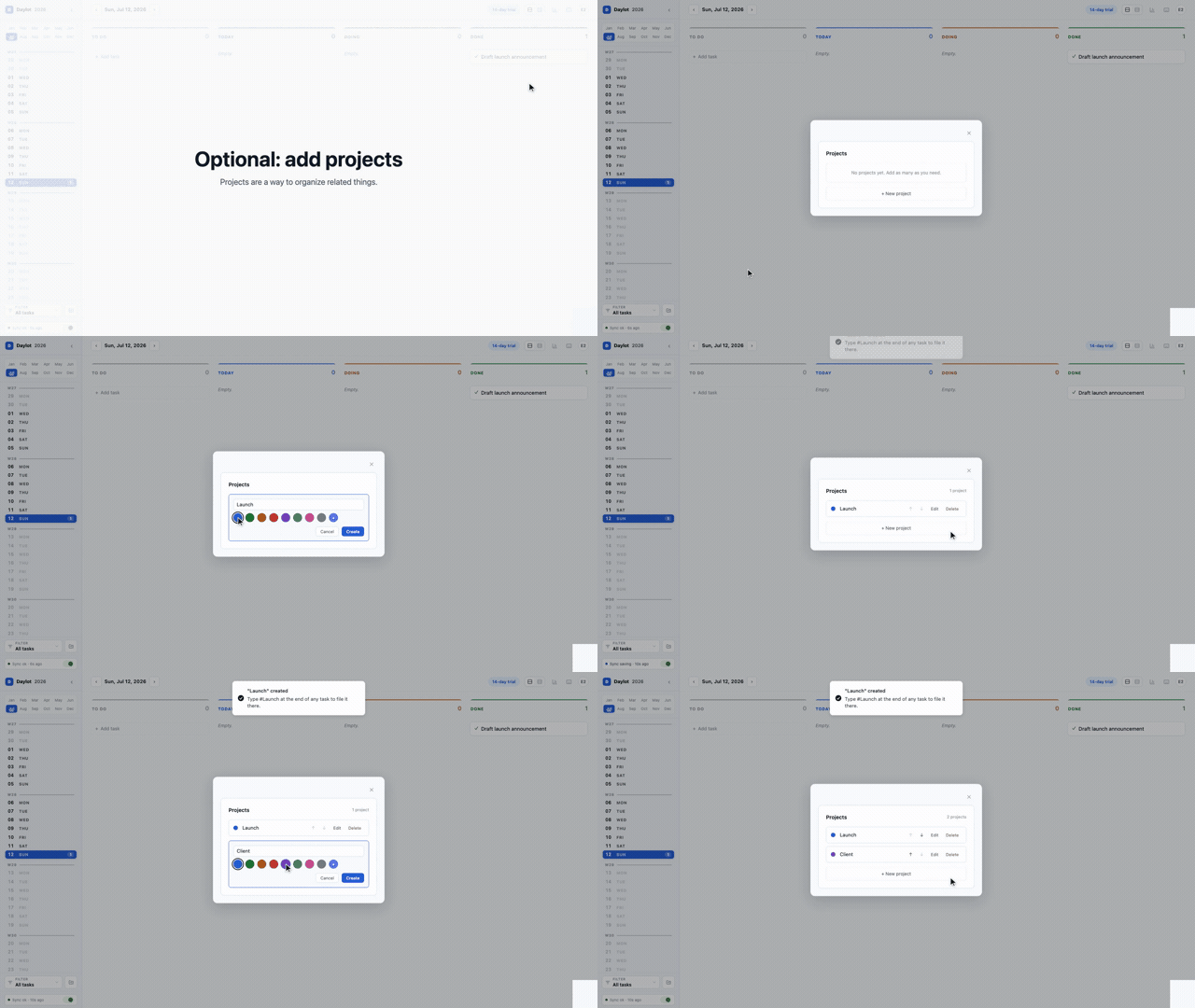
A project keeps related tasks together with one color.
To Do
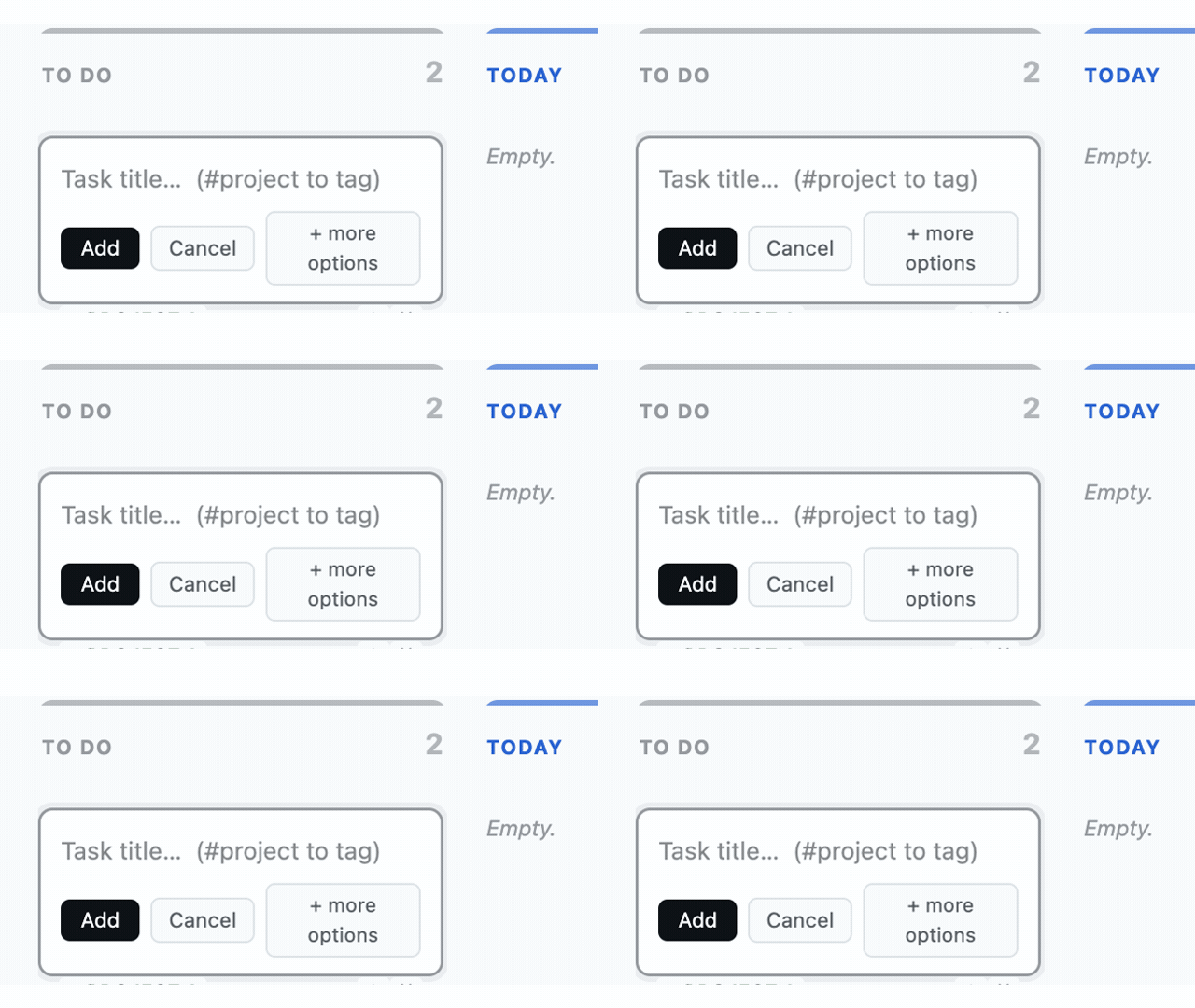
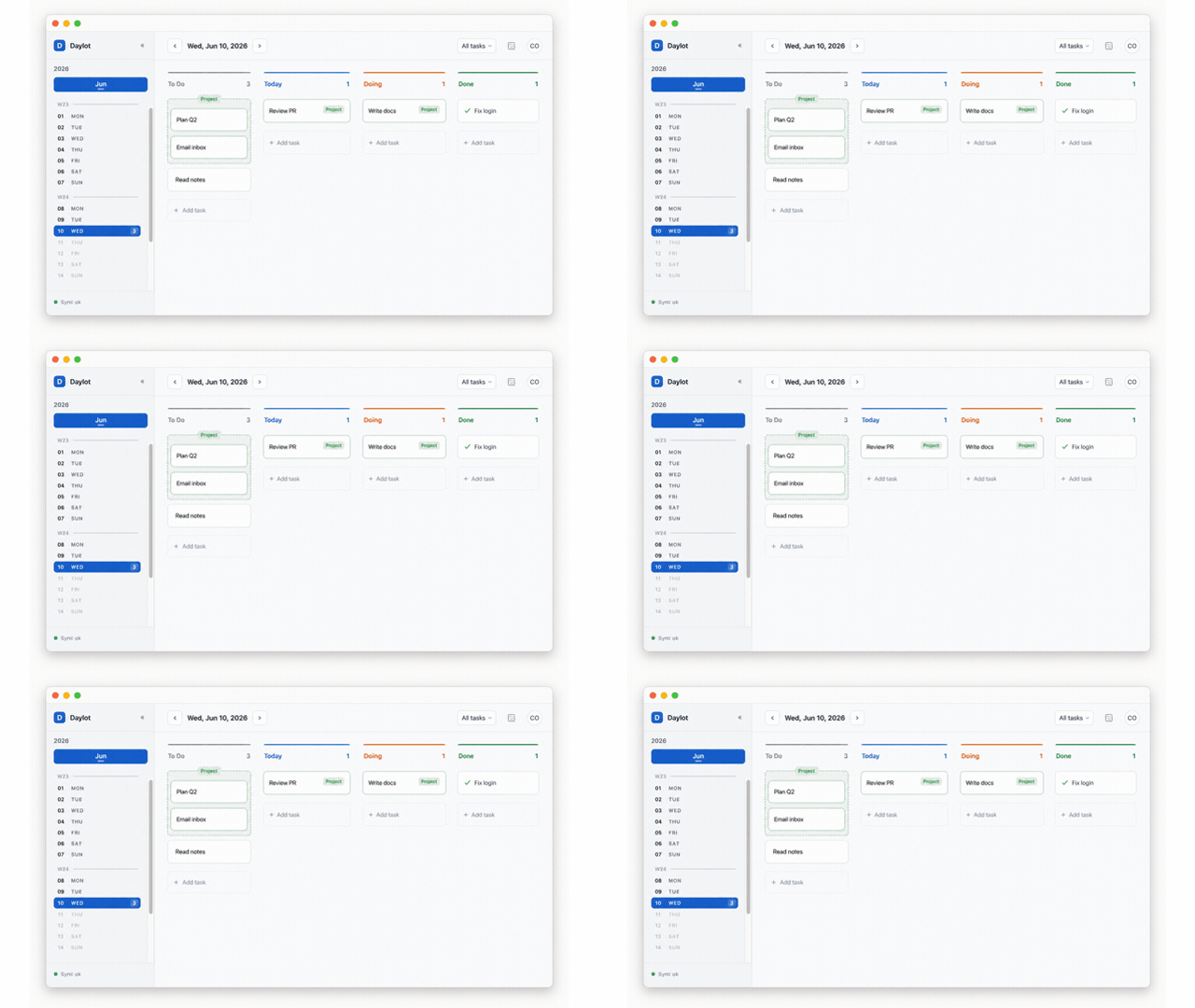
To Do is your global intake: work that is ready to be chosen for a day.
Choose from To Do, commit it to Today, move it into Doing, then Done when it finishes.
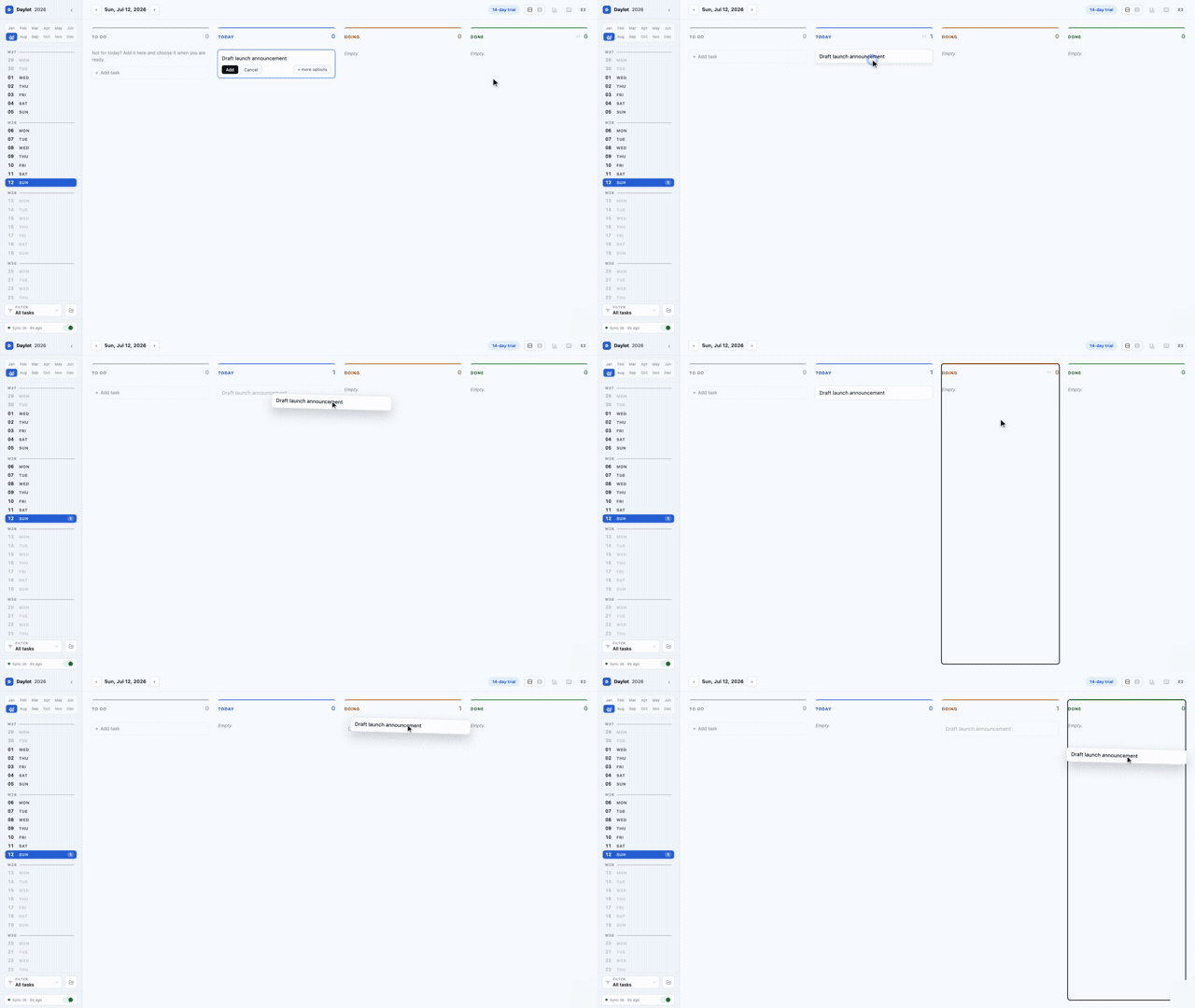
Unfinished Today and Doing tasks carry forward in the same column. Done stays in yesterday’s record.
To Do is global. Today, Doing, and Done belong to the selected date.
Recurring tasks
A scheduled task appears in Today on the days you choose. If it is still unfinished, the same task carries forward instead of creating a pile of missed copies.
Get more
Optional 1
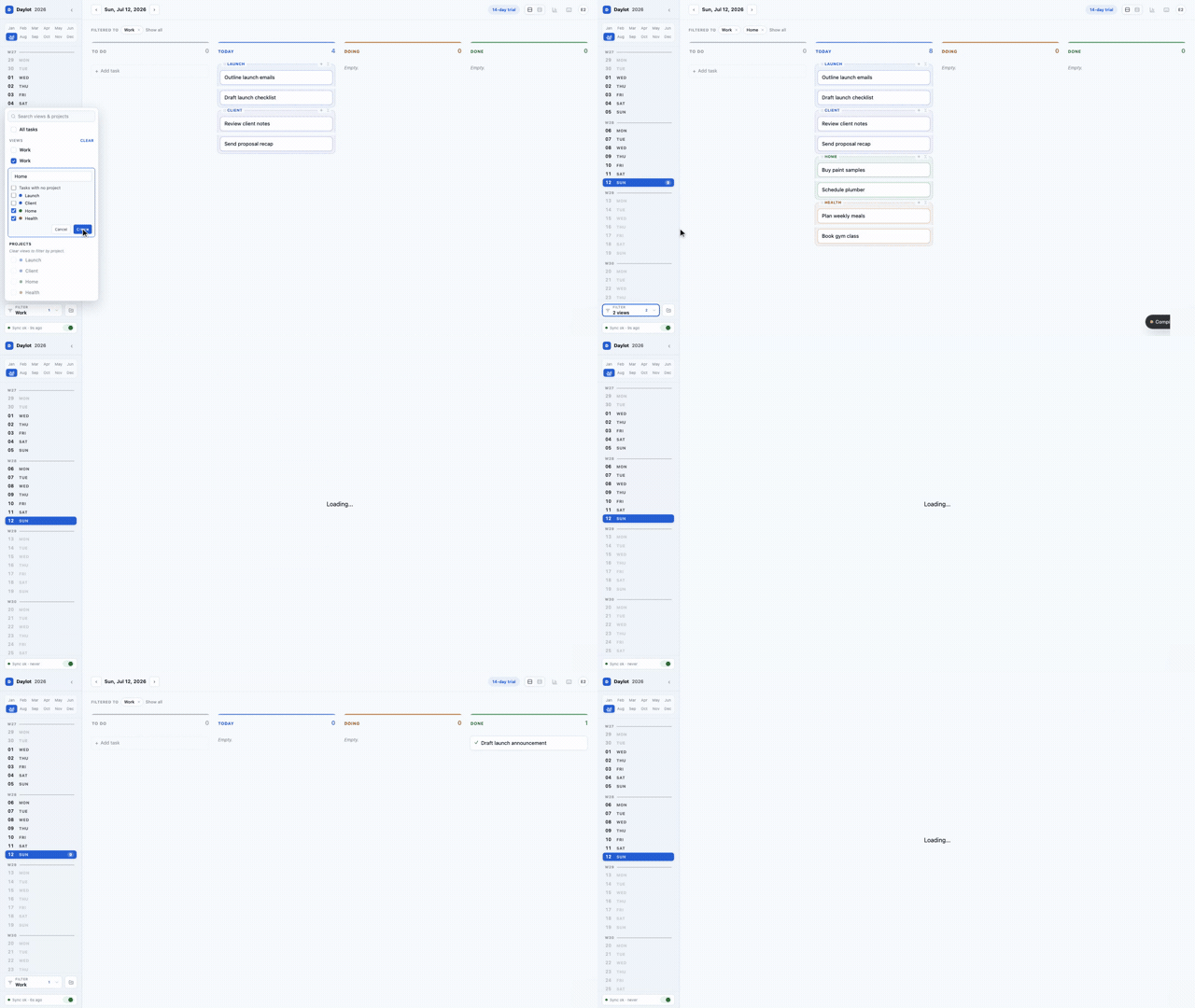
Bring one area forward without changing the board.
Optional 2
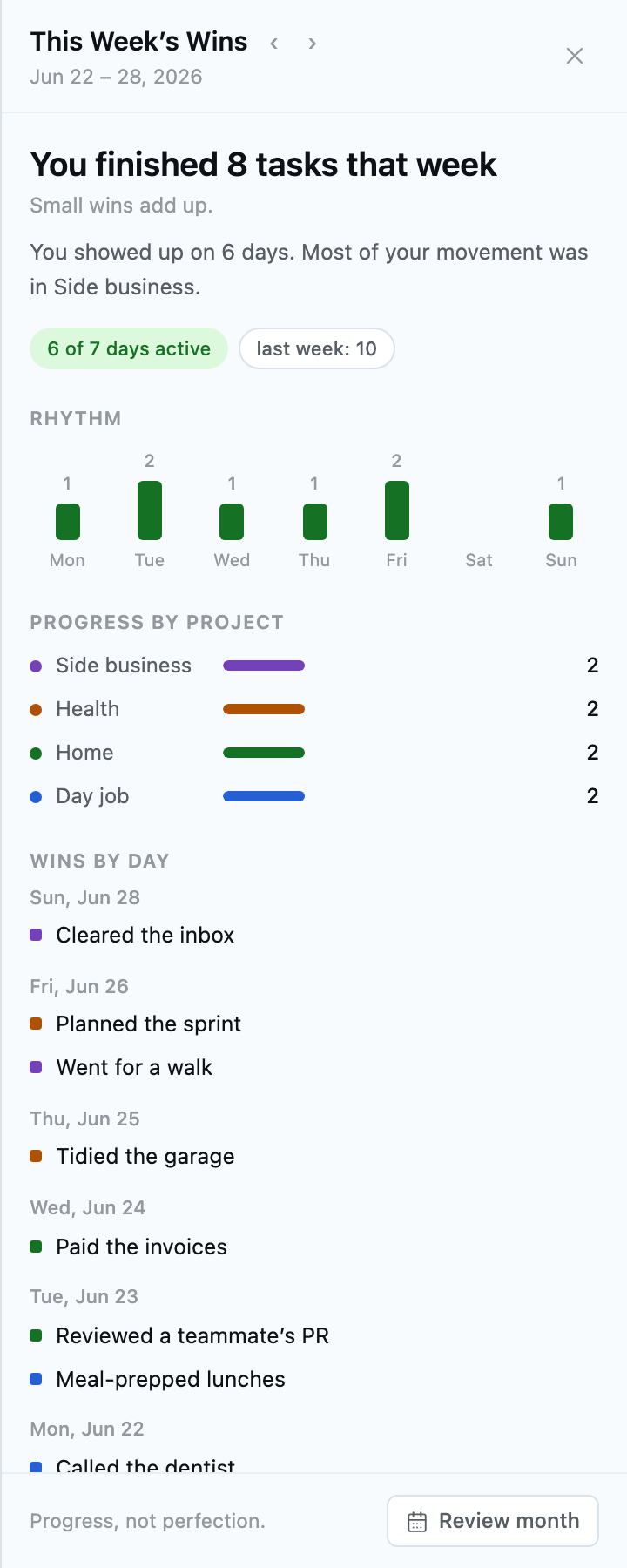
See your rhythm, project progress, and the work that moved.
Optional 3
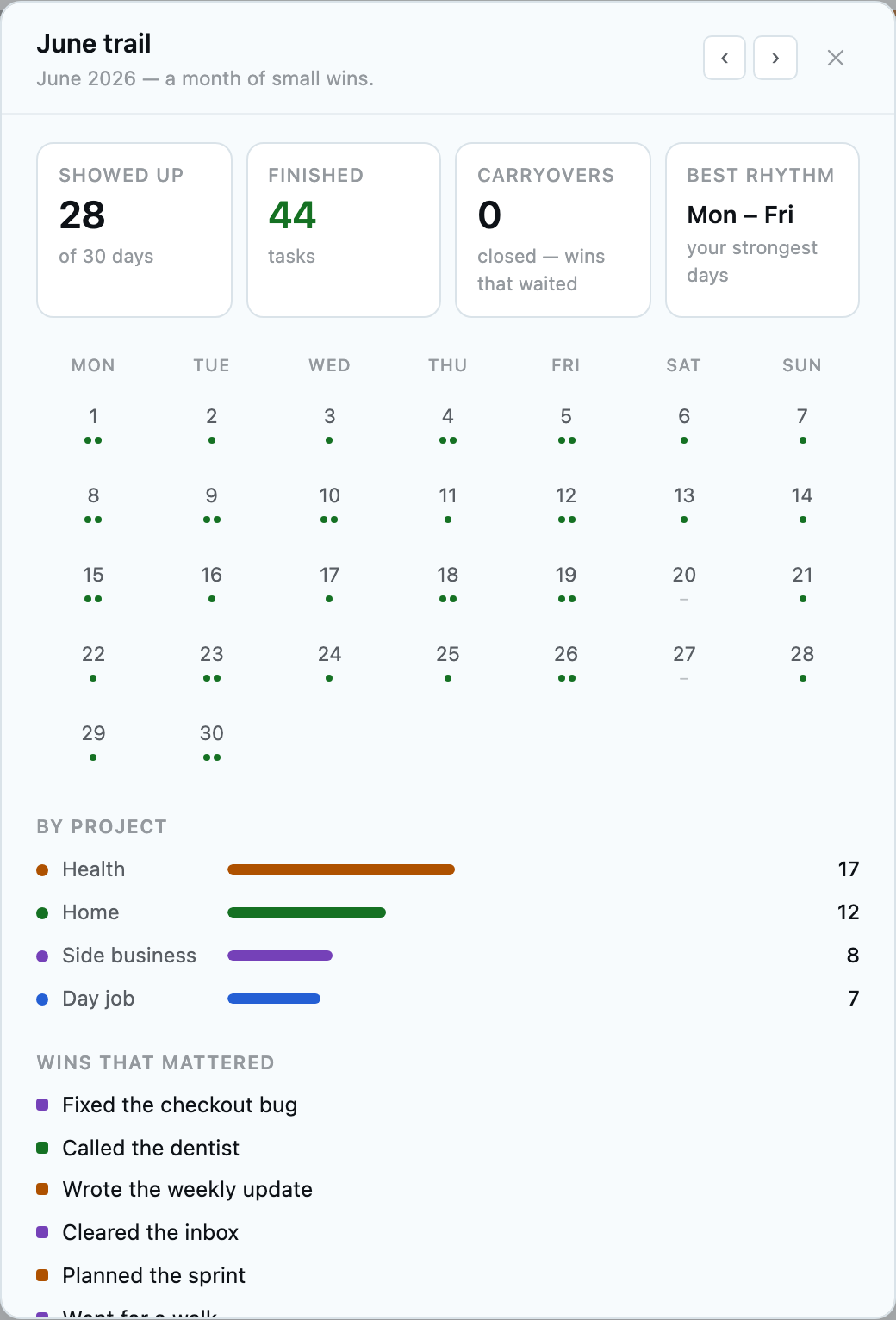
Zoom out to see the days you showed up and what mattered most.
Fourteen days free. No card required.