macOS
Install it from your browser
Chrome, Edge, Brave, and Arc add Daylot to your dock in one click. Safari 17 and later does it from File, then “Add to Dock”. Nothing to download, nothing to keep updated.
Download
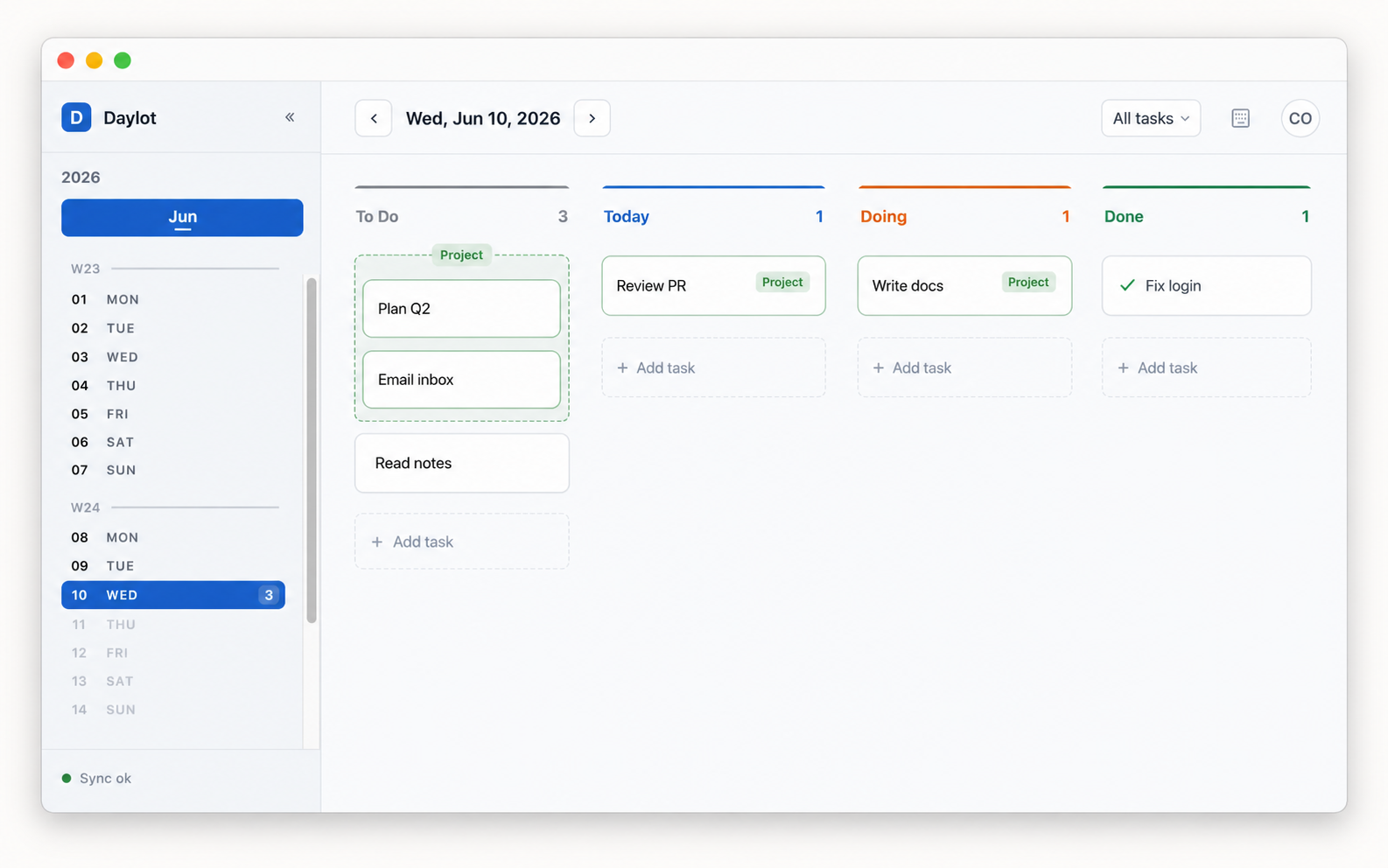
Daylot installs on Mac and Windows as a real desktop app: its own window, no tabs, no address bar. Same board, same data, and it opens whether or not you are online.
macOS
Chrome, Edge, Brave, and Arc add Daylot to your dock in one click. Safari 17 and later does it from File, then “Add to Dock”. Nothing to download, nothing to keep updated.
Windows
Installs and updates like any other Windows app, and opens from the Start menu and taskbar. Free to install, and you sign in with your Daylot account.
Getting started
Chrome, Edge, Brave, and Arc all install it in one click. Safari 17 and later works too, with one extra menu.
In a Chromium browser, click the install icon at the right of the address bar, or the Install Daylot button above when your browser offers one. In Safari, choose File, then "Add to Dock".
Daylot opens in its own window with no tabs and no address bar. Right-click the dock icon and choose Options, then "Keep in Dock" so it stays there.
What you get
The board lives on your machine. Planes, trains, and dead Wi-Fi change nothing.
Tasks are encrypted before they leave the device. Daylot cannot read them.
The app is the site. There is no separate build to download again next month.
On a phone or tablet, the same install works from the browser menu: “Add to Home Screen” on iPhone and iPad, “Install app” on Android.
Questions
Fourteen days free. No card required.